
A customer relationship management (CRM) system solves this by centralizing every customer interaction in one place. This guide covers what CRM does, the types available, and how to pick the right one for your business.
Key Takeaways
- CRM software centralizes contact data, sales pipelines, and support history in a single system
- 73% of businesses plan to use CRM software in 2024, and manufacturing leads adoption at 86%
- CRM returns an average of $3.10 for every $1 spent, according to Nucleus Research
- Choosing the right CRM depends on integration needs, scalability, and departmental use cases
What Is a Customer Relationship Management System?
A CRM system is software that organizes contact data, communication history, and customer preferences into a single hub, replacing scattered email threads and guesswork with one shared record everyone on the team can trust.
A typical CRM centralizes:
- Contact details and account history
- Past calls, emails, and support tickets
- Deal stages and follow-up reminders
- Customer preferences and notes from prior interactions
Sales, marketing, customer service, and leadership all rely on this shared view. When a prospect calls in, a rep can pull up every prior touchpoint instantly. That matters because deals and support requests fall through the cracks when information lives in silos rather than one system.
Why CRM Matters for Growing Businesses
Spreadsheets work fine for five customers. They fall apart at 500.
As companies scale, tracking relationships through scattered emails and disconnected spreadsheets becomes unmanageable:
- A follow-up gets forgotten
- A support issue gets logged twice
- A sales rep loses a lead because the notes lived in someone else's inbox
The market reflects this shift. The global CRM market is projected to reach $163.16 billion by 2030, growing at a 14.6% CAGR. On the adoption side, 73% of US businesses plan to use CRM software in 2024, based on a Freshworks survey of 600 business professionals.
CRM isn't just for retail or B2C sales. Manufacturing actually leads industry adoption at 86%, according to that same survey. Industrial operations track customer accounts, order history, and service records just as heavily as any consumer brand.
Key Features of a CRM System
Most CRM platforms share a core set of capabilities, though implementation varies by vendor.
- Contact and content management – Stores names, communication history, and preferences in one place
- Sales pipeline management – Maps buyer stages and helps predict which deals will close
- Marketing automation – Segments customers and triggers automated campaigns based on behavior
- Customer support tools – Logs tickets, tracks resolutions, and preserves case history
- Reporting and analytics – Converts raw customer data into decisions you can act on
- Integration capabilities – Connects to ERP systems, email platforms, and other business tools

That last point deserves attention. A CRM that can't talk to your other systems becomes another data silo, which defeats the entire purpose.
What Are the 5 Areas of CRM?
CRM strategy typically breaks down into five functional areas that work together rather than in isolation:
- Sales – Manages pipeline stages, forecasts, and deal tracking
- Marketing – Segments audiences and automates outreach
- Customer service – Logs and resolves support tickets
- Analytics – Surfaces trends and behavioral patterns from customer data
- Collaboration/integration – Ensures every department sees the same customer record
Each area feeds the others. A support ticket flagged as high-severity should inform how sales approaches that account's next renewal conversation.

Without collaboration between areas, you're just running five disconnected tools under one name.
Types of CRM Systems (with Examples)
Not every CRM does the same job. Three main types dominate the market:
- Operational CRM – automates day-to-day customer-facing tasks like logging calls, updating deal stages, and scheduling follow-ups
- Analytical CRM – mines interaction data to predict customer behavior and score leads
- Collaborative CRM – shares customer data across departments so sales, marketing, and support work from one source of truth
Operational CRM
Operational CRM automates day-to-day customer-facing processes, meaning the routine work of logging calls, updating deal stages, and scheduling follow-ups. Salesforce Sales Cloud and Microsoft Dynamics 365 Sales both fall here, tracking accounts and nurturing leads from first contact through order.
Analytical CRM
This type focuses on data mining and spotting behavioral trends. Salesforce's Einstein layer, for example, provides predictive lead scoring based on historical patterns. The goal is turning raw interaction data into predictions about what a customer will do next.
Collaborative CRM
Collaborative CRM shares customer data across departments so sales, marketing, and support aren't working from different versions of the truth. HubSpot built its entire platform around this idea, giving teams a shared source of data they can act on together.
These aren't mutually exclusive categories. Most platforms, including Salesforce, Dynamics 365, and HubSpot, blend all three functions into a single suite.

Benefits of Implementing a CRM System
The case for CRM comes down to four measurable outcomes:
- Stronger customer relationships – Centralized data means every interaction builds on the last one, instead of starting from zero
- Increased sales efficiency – Automating repetitive tasks like data entry frees reps to actually sell
- Improved retention – Faster issue resolution keeps customers from walking
- Better decision-making – Reporting tools surface trends that spreadsheets never would
The financial case is documented too. Nucleus Research examined 11 CRM case studies from 2023 and found an average return of $3.10 for every dollar spent on CRM software. Notably, time savings from productivity gains and process efficiency accounted for 51% of that total ROI, not just increased sales.
CRM Beyond Sales: Connecting Customer Data with Operational Systems
In manufacturing and industrial sectors, customer data alone isn't enough. A CRM record showing a client's order history means little if it's disconnected from what's actually happening on the plant floor.
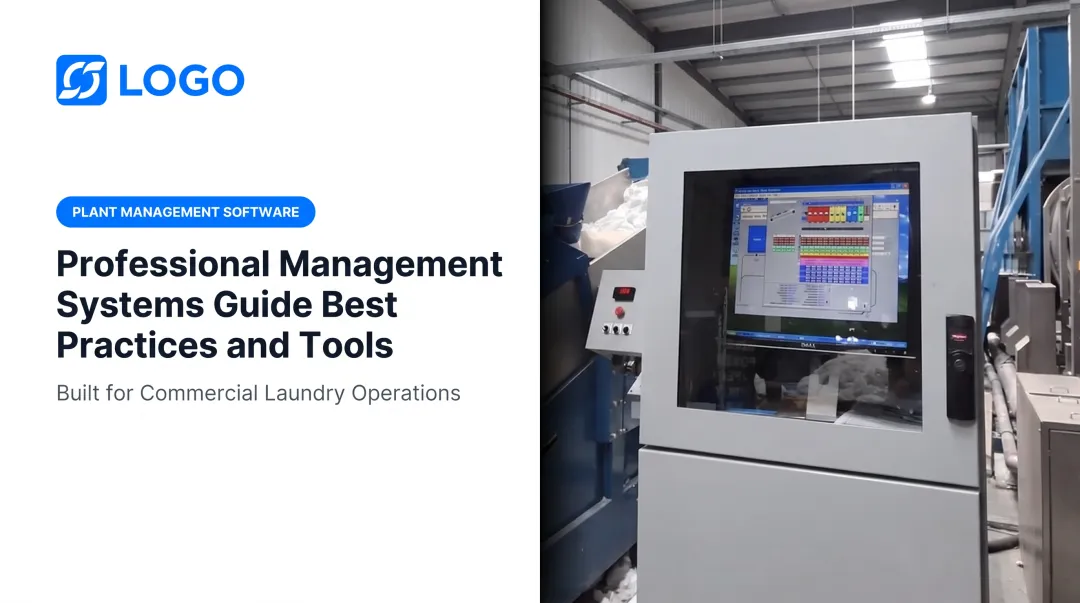
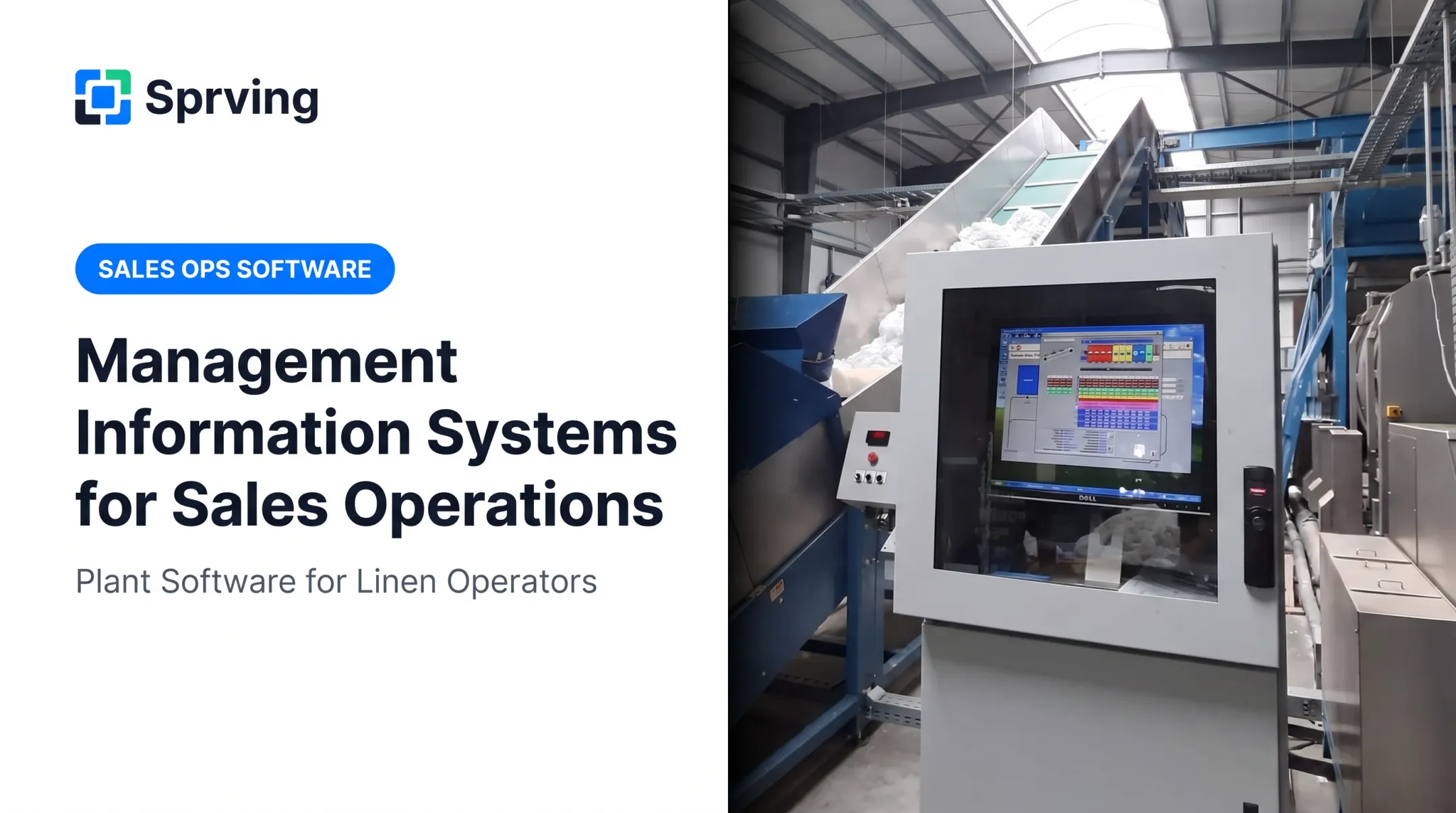
Softrol Systems has worked this problem from the operations side since 1987, supporting textile services and industrial laundry operators with automation and data management tools. Its Total Plant Management software gathers information from multiple production points, including machine utilization, labor efficiency, and plant throughput, into a single entry point.
Softrol's LOIS (Laundry Operation Information System) extends this further, giving authorized users browser-based access to plant performance data from smartphones, tablets, or PCs, at any site, any time. This matters for account teams managing customers with multiple facilities:
- Multi-site visibility from one login, rather than site-by-site logins
- 24/7 monitoring of plant functions and employee performance
- Real-time email alerts when operational issues emerge
- Client workspace views of dryer turn time, output targets, and non-credited loads

At Aramark Uniform Services' Sacramento facility, Softrol's SoftSort system processed over 40,000 garments daily at throughput exceeding 3,800 garments per hour, while cutting sorting labor from 10 employees to two.
Pairing this kind of plant-level data with customer account records gives account teams a complete picture that a sales-only CRM view can't provide.
How to Choose the Right CRM System
Picking a CRM isn't about finding the platform with the most features. It's about finding the one that fits your operation.
Start with these questions:
- What's your business size and budget? A five-person sales team doesn't need Enterprise-tier pricing built for hundreds of seats.
- Which departments will actually use it? Sales-only deployments look different from ones spanning marketing and support too.
- Does it integrate with what you already run? A CRM that can't connect to your ERP or email platform creates a new silo instead of eliminating one.
- Will it scale with you? Multi-site access and real-time monitoring matter more once you're managing multiple locations rather than one office.
Prioritize integration and scalability over flashy features you won't touch for another two years. The best CRM is the one your team actually uses daily, not the one with the longest feature list.
Frequently Asked Questions
What is a customer relationship management system?
A CRM system is software that centralizes customer data, communication history, and interactions across sales, marketing, and customer service teams. It gives every department the same up-to-date view of each customer.
What are examples of CRM systems?
Popular CRM platforms include Salesforce, Microsoft Dynamics 365, and HubSpot. Each offers sales pipeline tracking, marketing automation, and reporting, though pricing and feature depth vary.
What are the 5 areas of CRM?
The five core areas are sales, marketing, customer service, analytics, and collaboration. Together, they ensure every department works from the same customer data rather than siloed information.
How much does a CRM system cost?
Pricing ranges from roughly $12 to over $200 per user per month, depending on features and deployment type. Vendor tiers like Salesforce, HubSpot, and Dynamics 365 vary significantly based on seat count and contract terms.
What is the difference between CRM and ERP?
CRM manages front-office customer relationships, including sales, marketing, and service. ERP manages back-office operations like finance, inventory, and supply chain. The two systems work best when integrated, not treated as replacements for each other.